Getting a programmable LED sign ready for your business involves more than turning on the screen. You may need to connect the control software, configure display settings, and upload your first message. Without the right setup, text may appear distorted, images may not fit the screen, or content may fail to display as intended.
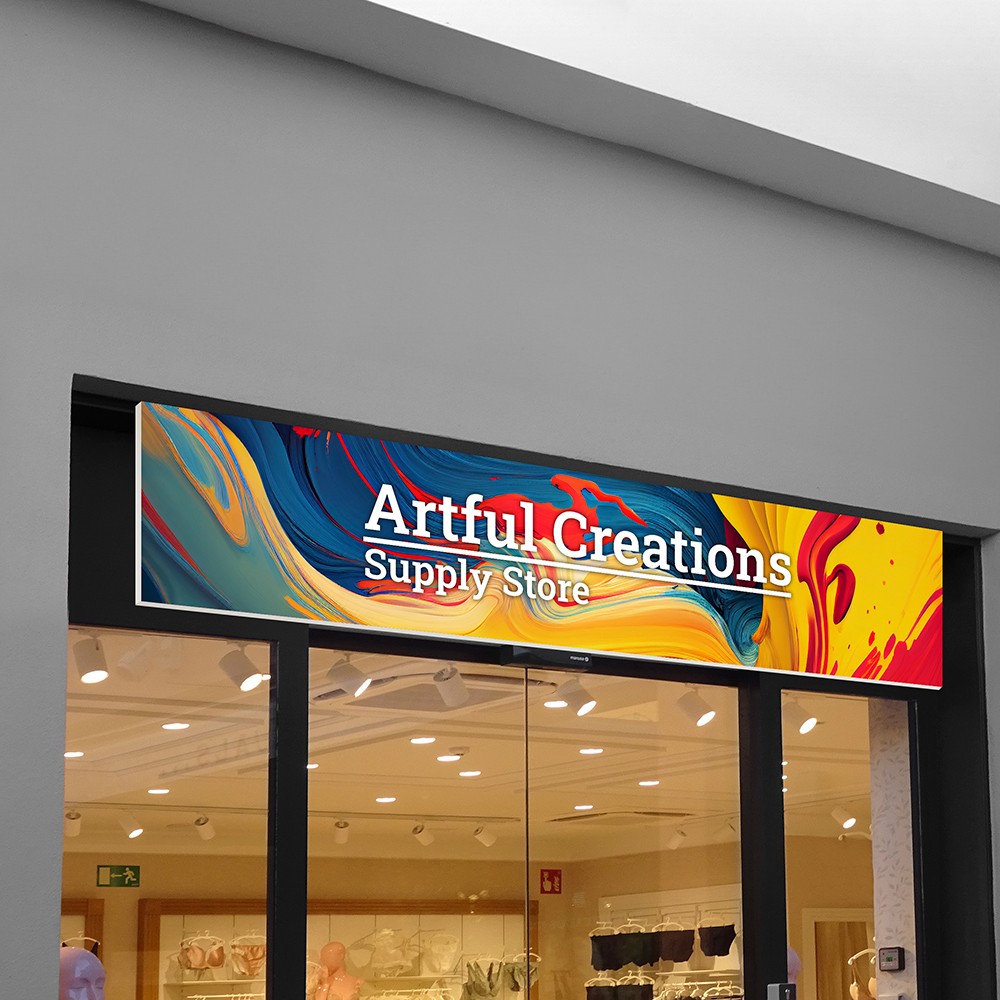
A well-configured led signage display can help businesses communicate promotions, share updates, and maintain consistent brand messaging. Choosing suitable fonts, colors, images, and playback schedules also makes it easier to deliver the right message to the right audience.
This guide explains how to choose a suitable display and control method, configure and connect the screen, create customized content, and test the results. You will also learn how to schedule updates, troubleshoot common problems, and manage your LED sign for everyday business use.
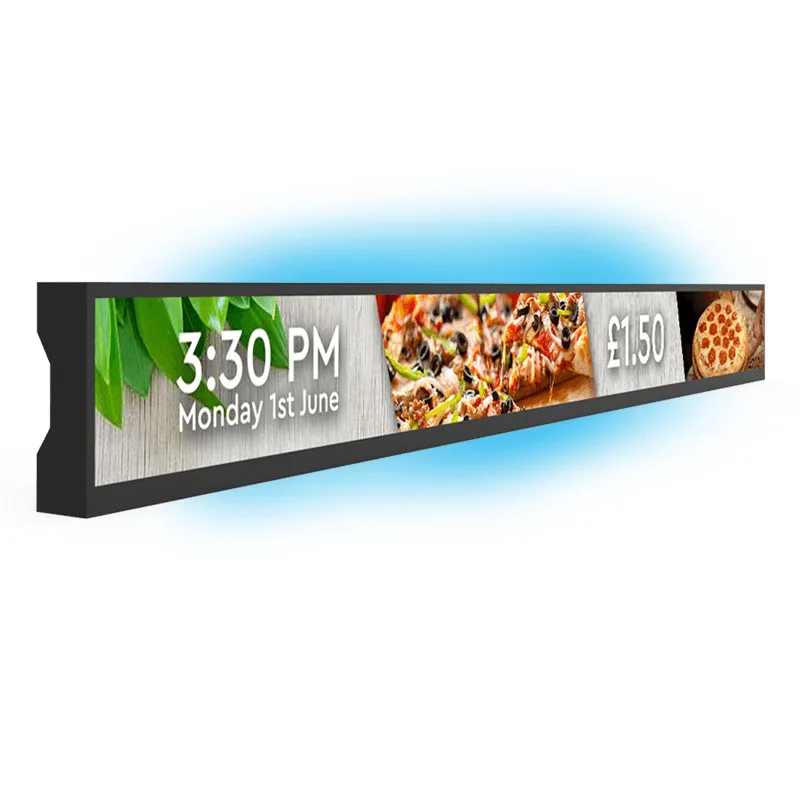
1. Choose the Right Sign and Control Method
1.1 Match the Display to Your Needs
Before choosing a commercial advertising led display, consider where it will be installed, how far away viewers will stand, and what content it needs to show.
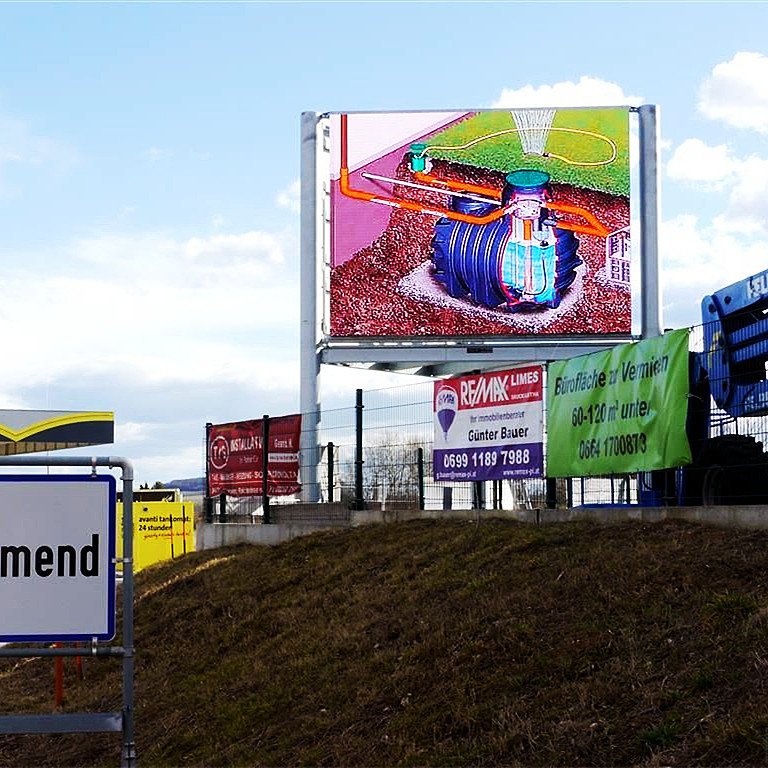
Environment: Indoor screens prioritize viewing distance and clarity, while outdoor screens require suitable protection against weather and ambient light.
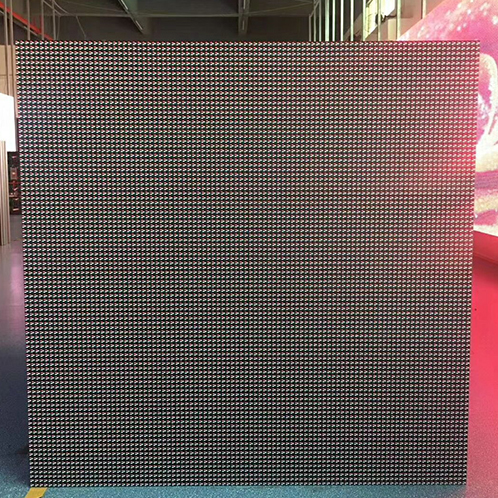
Size and pixel pitch: Match screen dimensions and pixel pitch to the viewing distance and installation space.
Color: Single-color displays suit text and announcements; full-color screens support logos, images, and video.
Format: Options include digital posters, taxi-top displays, flexible screens, and circular LED signs.
1.2 Check Control Compatibility
Confirm the controller and supported software or app before programming. Choose USB, Wi-Fi, Ethernet, or LTE based on device capabilities. Check compatibility before adding hardware, and follow the manufacturer's instructions, as setup steps vary by model.
2. Configure and Connect the Display
2.1 Set Screen Parameters
Use the device specifications to configure screen dimensions, resolution, pixel pitch, and controller settings. For multi-module screens, set the module mapping to match the actual layout and wiring. Display a test pattern to check orientation and alignment. Correct configuration helps prevent mirrored text, misplaced images, and distorted proportions.
2.2 Connect the Control System
Install the manufacturer's software or app, then connect through a supported method such as USB, Wi-Fi, or Ethernet. Select or pair the correct device and confirm communication. Depending on the system, you may also need to set brightness, language, date, and time. These steps establish the connection between the digital signage led display and its control system.
2.3 Test the Setup
Upload a simple test message and check text direction, proportions, colors, and module alignment. If the image appears mirrored or split, review the screen configuration, module mapping, and controller settings before creating your full advertising content.
3. Create and Customize Content
Build Your Message
Start with a clear message, such as a promotion, business hours, or event announcement. Keep text concise and readable from the intended viewing distance.
Customize the Design
Element | Customization Tips |
Fonts and colors | Use legible fonts and consistent brand colors. |
Logos and graphics | Add assets that fit the screen resolution. |
Animation and video | Check supported formats and playback capabilities. |
Layout | Prioritize headlines, prices, and key offers. |
Readability | Limit text and avoid excessive motion. |
Adapt Content to Each Scenario
For led displays for retail stores, create templates for new products, discounts, and brand messages. Use playlists, screen zones, or multilingual content if supported.
Check Display Limits
Software features, controller capacity, resolution, and screen shape affect customization. Confirm supported formats and dimensions before designing complex content, especially for flexible or circular displays.

4. Upload, Test, and Schedule Content
Upload and Publish
Preview your content, select the correct device, and send the file through a supported connection or platform. Confirm that the latest version appears on the screen, especially when managing multiple displays.
Test and Troubleshoot
Check the display under actual viewing conditions. For an led display screen for advertising indoor, verify readability from the expected audience distance.
Problem | What to Check |
Blank screen | Power, controller, and signal connections |
Mirrored or distorted text | Orientation, resolution, and module mapping |
Incorrect colors or image size | Content file, canvas, and controller settings |
Hard-to-read messages | Font size, contrast, text length, and animation speed |
Schedule Content
Use playlists and timed playback, if supported, to match promotions and announcements to business hours. Update expired messages regularly and use remote management when available.
5. Customize Your LED Display
5.1 Choose a Display Format
Different projects call for different display designs:
Digital LED poster: Presents promotions, brand messages, and announcements in commercial spaces.
Taxi-top LED display: Supports mobile advertising, with design choices shaped by viewing conditions and screen dimensions.
Flexible LED screen: Fits projects requiring adaptable display shapes.
Circle LED sign: Adds a distinctive form to commercial displays.
Custom LED solutions: Combine tailored screens and integrated systems to meet specific project requirements.
5.2 Plan for Your Business
Define your brand goals, installation space, viewing distance, and content type before selecting a display. Consider screen size, pixel pitch, control systems, and operating conditions together to ensure the solution fits both the location and its intended use.
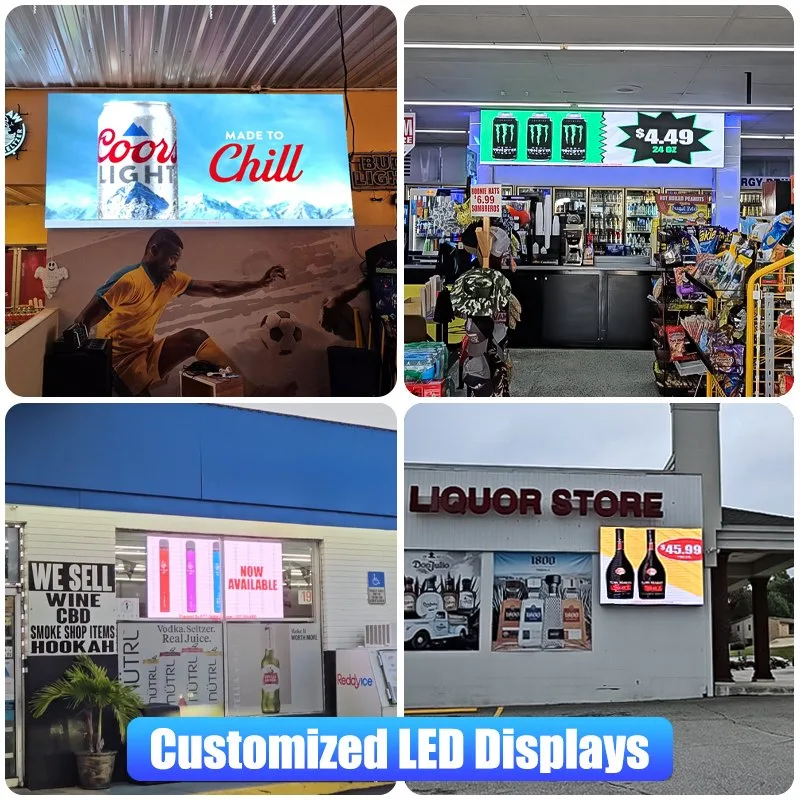
Conclusion
Programming a programmable LED sign involves more than creating attractive visuals. From choosing the right display and control method to configuring settings, designing content, testing playback, and scheduling updates, each step affects how clearly your message reaches its audience. A successful display combines accurate setup, readable content, and suitability for the viewing environment. Whether you need a digital led poster display for promotions or another commercial format, choose a solution that matches your business goals.
For projects requiring distinctive shapes, branded displays, or integrated solutions, HSC LED offers creative LED display options to explore. Contact HSC LED to discuss your project requirements and find a display solution that fits your business needs.