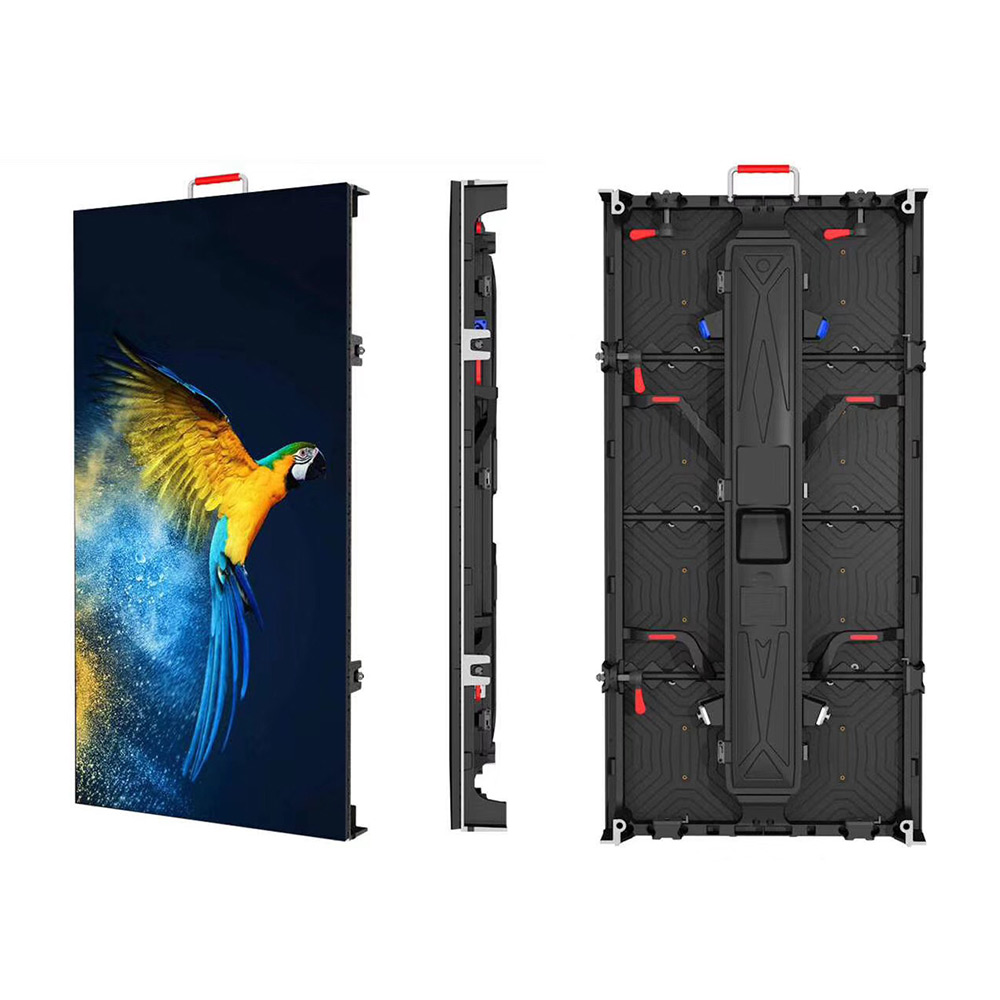
When summer temperatures rise, outdoor LED displays are exposed to more heat, especially when they operate for long hours under direct sunlight. High temperatures can increase the internal temperature of the display and place additional stress on LEDs, power supplies, and other electronic components. If the heat is not properly managed, prolonged exposure can accelerate component aging and affect display performance.
Heat is not the only factor that can affect image quality. Prolonged display of static images and continuous operation may contribute to uneven pixel aging, image retention, brightness loss, and color inconsistency, which are often described by users as LED screen burn-in.
In this guide, we will explore six practical ways to prevent LED screen burn-in during summer, covering heat dissipation, content management, regular maintenance, brightness control, intelligent monitoring, and display selection. These strategies can help protect your investment, maintain consistent image quality, and extend the service life of your LED display.
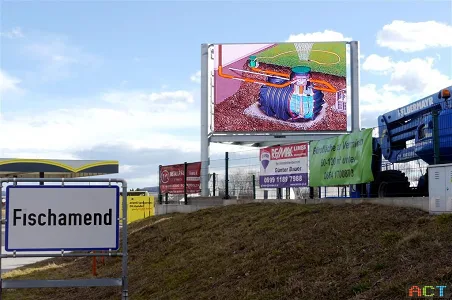
What Is LED Screen Burn-in?
LED screen display burn-in generally refers to a visible image or pattern that remains on the display after the original content has changed. Logos, text, or other static elements may appear as faint residual images. In LED displays, this effect is often related to uneven pixel aging.
Main Causes
Three factors can increase the risk of image retention and uneven pixel aging:
-
Excessive Heat: Poor heat dissipation can raise internal temperatures and accelerate the aging of LEDs, driver ICs, and other components.
-
Static Content: Displaying the same logo, QR code, menu, or graphic for extended periods puts greater stress on the same pixels.
-
Continuous Operation: Long operating hours, especially without adequate cooling or maintenance, can increase component wear over time.
Warning Signs
Watch for faint residual images, uneven brightness, color inconsistency, dead pixels, or noticeable changes in image quality. Identifying these signs early can help prevent further display degradation.
6 Proven Strategies to Prevent LED Screen Burn-in This Summer
Once the causes of LED screen burn-in and uneven pixel aging are clear, the next step is to build a practical maintenance routine. The six strategies below focus on different aspects of daily operation, so they can be applied together without adding unnecessary complexity.
Strategy 1: Improve Airflow and Heat Dissipation
Start with the physical environment around the display. During summer, direct sunlight and high ambient temperatures can make heat management more difficult, particularly for outdoor screens that run for many hours.
Keep ventilation openings clear and leave sufficient space around the back of the display for air circulation. Avoid installing the screen in a tightly enclosed area unless an appropriate cooling system is provided.
Where natural airflow is insufficient, fans, exhaust systems, or other cooling equipment can help remove excess heat. The aim is to prevent heat from building up around the display during extended operation.
Strategy 2: Rotate Static Content Regularly
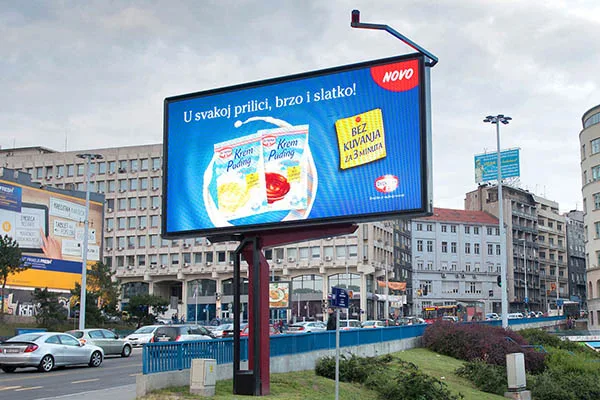
Content management is another simple way to reduce uneven pixel usage. A logo, QR code, menu, or graphic that remains unchanged for hours continuously uses the same areas of the display.
Instead of relying on one static image, schedule different content throughout the day. Videos, animations, scrolling text, and other moving elements can also be incorporated into the playlist.
If a fixed element must remain on screen, avoid unnecessarily high brightness and consider changing its position or design when the application allows it.
Strategy 3: Keep the Display Clean and Well Maintained
Summer maintenance should include more than checking whether the screen is still displaying content correctly. Dust and debris around ventilation openings and cooling components can interfere with airflow, while loose connections or failing fans can create additional operating problems.
A regular inspection should cover:
-
Ventilation openings, fans, and heat-dissipation areas
-
Power connections and other accessible electrical components
-
Dead pixels, abnormal color areas, and uneven brightness
-
Signs of physical damage or moisture intrusion on outdoor installations
The inspection frequency should reflect the installation environment and the manufacturer's maintenance recommendations.
Strategy 4: Set Brightness for the Viewing Environment
Brightness should be high enough for the content to remain clearly visible, but there is little benefit in running a display at maximum brightness when the surrounding light does not require it.
For outdoor screens, adjust brightness according to daylight and nighttime conditions.
Automatic brightness control can make this process easier where the system supports it. During periods of extreme heat, reducing brightness may also lower the display's power consumption and thermal load, provided that visibility remains suitable for the application.
Strategy 5: Monitor Temperature and Humidity
When a display operates continuously or in a challenging outdoor environment, relying only on visual inspection may not be enough. Temperature and humidity monitoring can provide useful information about changing conditions around the screen.
Temperature monitoring helps identify excessive heat before it becomes a serious operating issue. Humidity monitoring is particularly useful for outdoor installations, where moisture can affect electronic components.
Where monitoring systems are available, set alerts according to the equipment's specifications so operators can respond promptly when conditions move outside the recommended range.
Strategy 6: Select Hardware for the Installation Environment
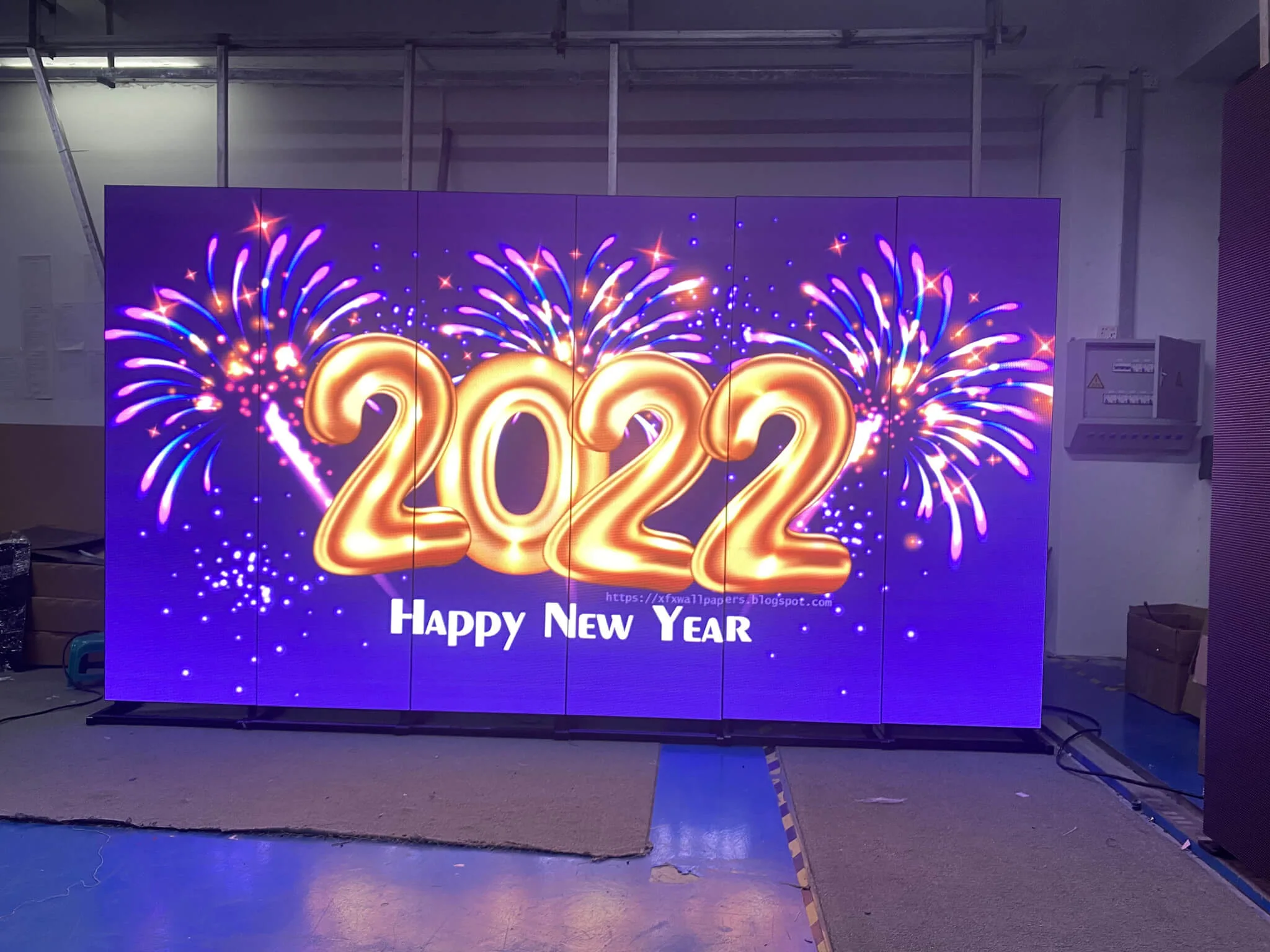
Summer protection begins before the screen is installed. A display selected for the wrong environment may require additional cooling and maintenance throughout its service life, even when it is operated correctly.
Before purchasing, consider the actual installation conditions rather than focusing only on display resolution or brightness. Check the cabinet's heat-dissipation design, construction materials, protection rating, installation location, expected operating hours, and exposure to sunlight, dust, and moisture.
For outdoor applications, these factors should be evaluated together to ensure that the display is suited to the environment in which it will operate.
|
Strategy
|
Focus
|
Recommended Approach
|
|
Strategy 1
|
Heat management
|
Maintain clear airflow and provide additional cooling when necessary
|
|
Strategy 2
|
Content management
|
Rotate content and reduce prolonged use of fixed images
|
|
Strategy 3
|
Maintenance
|
Clean ventilation areas and check key components regularly
|
|
Strategy 4
|
Brightness
|
Match brightness to actual viewing conditions
|
|
Strategy 5
|
Environment
|
Monitor temperature and humidity against equipment specifications
|
|
Strategy 6
|
Hardware selection
|
Choose a display designed for its installation environment
|
Conclusion
Summer heat can put additional stress on an LED display, but proper management can significantly reduce the risks associated with overheating, static content, and uneven pixel aging. Keeping the display well ventilated, rotating content, performing regular maintenance, adjusting brightness appropriately, monitoring environmental conditions, and choosing suitable hardware can all contribute to more reliable long-term performance. Together, these measures provide a practical approach to preventing LED screen burn-in and maintaining consistent image quality throughout the summer.
For businesses looking for a reliable display solution, HSC LED provides creative LED displays and customized LED display solutions for different commercial applications. From taxi top LED displays and digital LED posters to flexible LED screens and circle LED signs, HSC LED combines a complete supply chain with competitive solutions for customers worldwide. Contact HSC LED today to discuss the right LED solution for your application.